In this article
A customer pays at the counter with a card. Someone else pays from a link in an invoice. On a busy day, a staff member takes an order by email and the customer replies with a card number. Even if all three payments end up with the same processor, you need to check what happens along each route.
In its 28 October 2026 resource roundup, the PCI Security Standards Council pointed small merchants to guidance on common payment setups and everyday security. Take a sheet of paper and walk through a sale with the people who take payments. Include what they do when the usual method fails.
1. Where does the card number go?
Write down every way a customer pays: counter terminal, website, payment link, phone or another route. Ask the person who handles each one to describe what happens on an ordinary day and what they do when the usual method fails. If you use a hosted payment link, check where the customer enters the card details. Does anyone at your shop ever receive those details separately?
Suppose a shop owner learns that most phone orders use an approved payment link, but a staff member occasionally asks customers to send details by email. The owner stops that practice and gives staff a short reply that directs customers to the approved route. If card details have already landed in an inbox, use your incident process or ask your provider how to handle the existing records safely. Don’t forward the email around to explain what happened.
2. Would we notice a changed terminal?
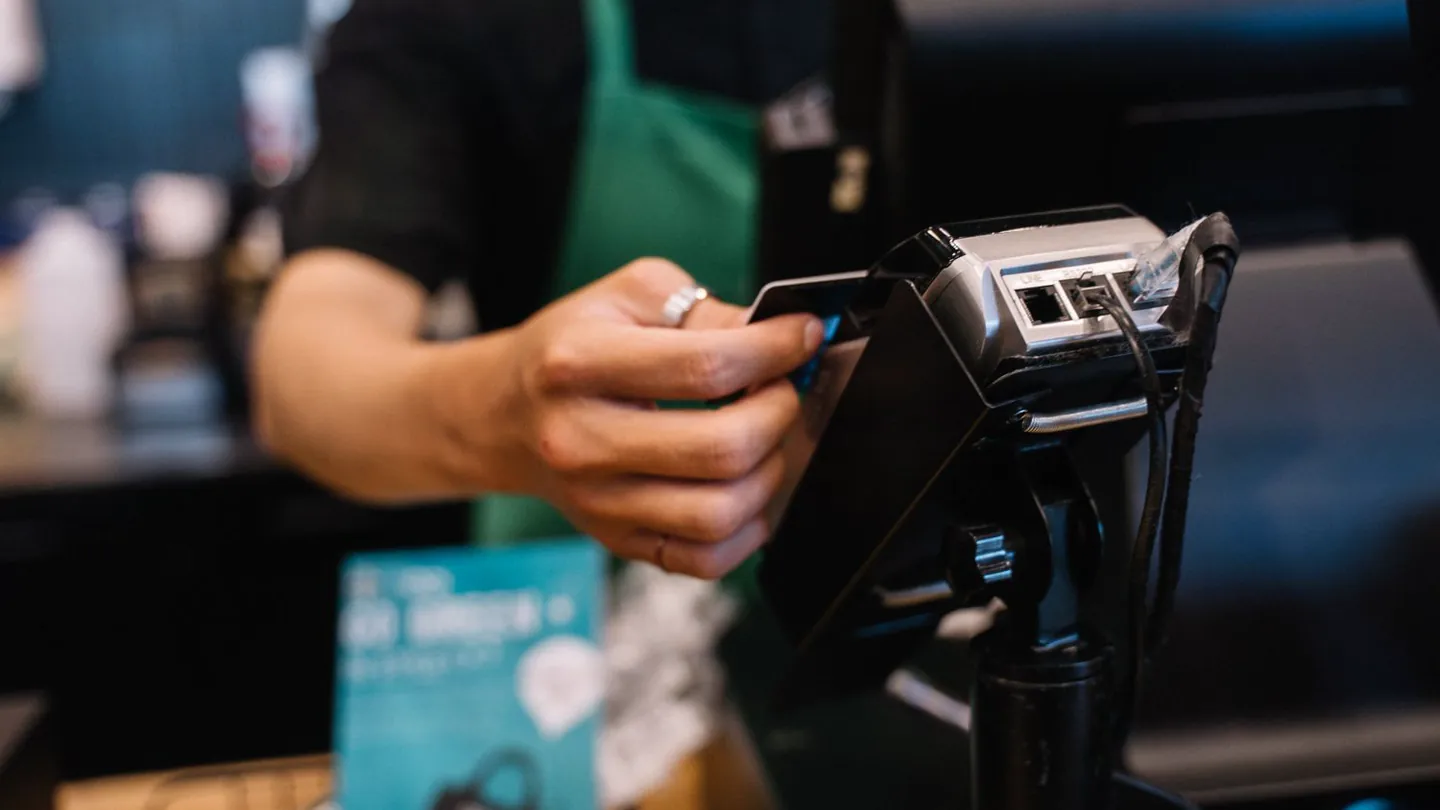
At opening time, could a staff member tell that a terminal had been replaced? Give them a reference they can check, such as the terminal’s serial number and a photo of how it normally looks. If the device looks unfamiliar, has been moved unexpectedly or has an unexplained attachment, take it out of use and contact your provider through a number you already know. Follow the provider’s instructions before putting it back into service.
In a PCI compliance forum, someone at a small family business was unsure which questionnaire to complete even though the bank supplied the reader. Commenters suggested different forms. If you face the same question, describe the whole setup to your acquirer, usually the bank or provider that handles card acceptance for your business. A label on the terminal tells them only part of the story.
3. Who can sign in or make changes?
Open your list of payment-related accounts. Think beyond the terminal: who can sign in to the merchant dashboard, edit the website or change the details on an invoice? Make sure you can tell which person uses each account. Remove access people no longer need, and turn on multi-factor authentication where available. That means requiring another check at sign-in, such as an authenticator app or a security key.
Back at the shop, the owner checks who can create payment links. If two staff members share one login, the owner can arrange individual accounts with the provider and remove the shared one once the replacement access works. That also makes it easier to remove one person’s access without disrupting the whole shop.
4. Who updates the things we rely on?
List the few things that keep payment working: the terminal, the computer used to run the shop, the website and any software that connects to checkout. Next to each, write who installs security updates and how you know they’re being applied. You may find that the terminal provider handles its device, the web agency handles the site and nobody has taken responsibility for the shop computer.
Ask each provider how you’ll hear about a change that needs action from you. Put the answers where the person covering for you can find them.
5. Who do we call when something looks wrong?
Keep the provider’s support number where staff can find it without opening an unexpected message. If a caller claims to be from the processor and asks to change the terminal or install remote support software, staff should pause and call back on the known number. The same habit applies to an email that asks you to sign in to fix a payout. Use your usual route to the dashboard or call the provider.
For reporting, tell your acquirer about every way you take card payments and ask what it needs you to submit. The shop owner can describe the counter terminal, hosted payment links and how staff handle phone orders. Let the acquirer or applicable payment brand confirm which form or process applies.
You don’t need to do all five checks in one sitting. Start with the payment route that surprised you. Write down who will fix it, what they’ll change and when you’ll check that the new process works.
Related 443 Labs guides
If you are unsure what your payment setup includes, 443 Labs can help you describe it clearly before you speak with your payment provider or acquirer.
Get in TouchSources
- Payment Security Resources for Merchants
- PCI Data Security Essentials for Small Merchants
- PCI DSS Requirements and Testing Procedures v4.0.1
- Maintaining POS Device Security and Cleanliness
- PCI Compliance as a Small Business (3 employees)
- PCI SSC FAQ 1212: who defines validation reporting
- Cybersecurity for Small Business
Related Services